Create a manual Chef 360 Platform backup
This page documents how to create a manual Chef 360 Platform backup. To configure backup settings or schedule automatic backups, see the disaster recovery documentation.
Prerequisites
- Disaster recovery is configured in the Admin Console.
Create a manual backup
To create a manual backup, follow these steps:
- Go to Disaster Recovery > Backups.
- Select Start a backup.
- Wait for the backup status to change from
In ProgresstoCompleted.
Verify backups
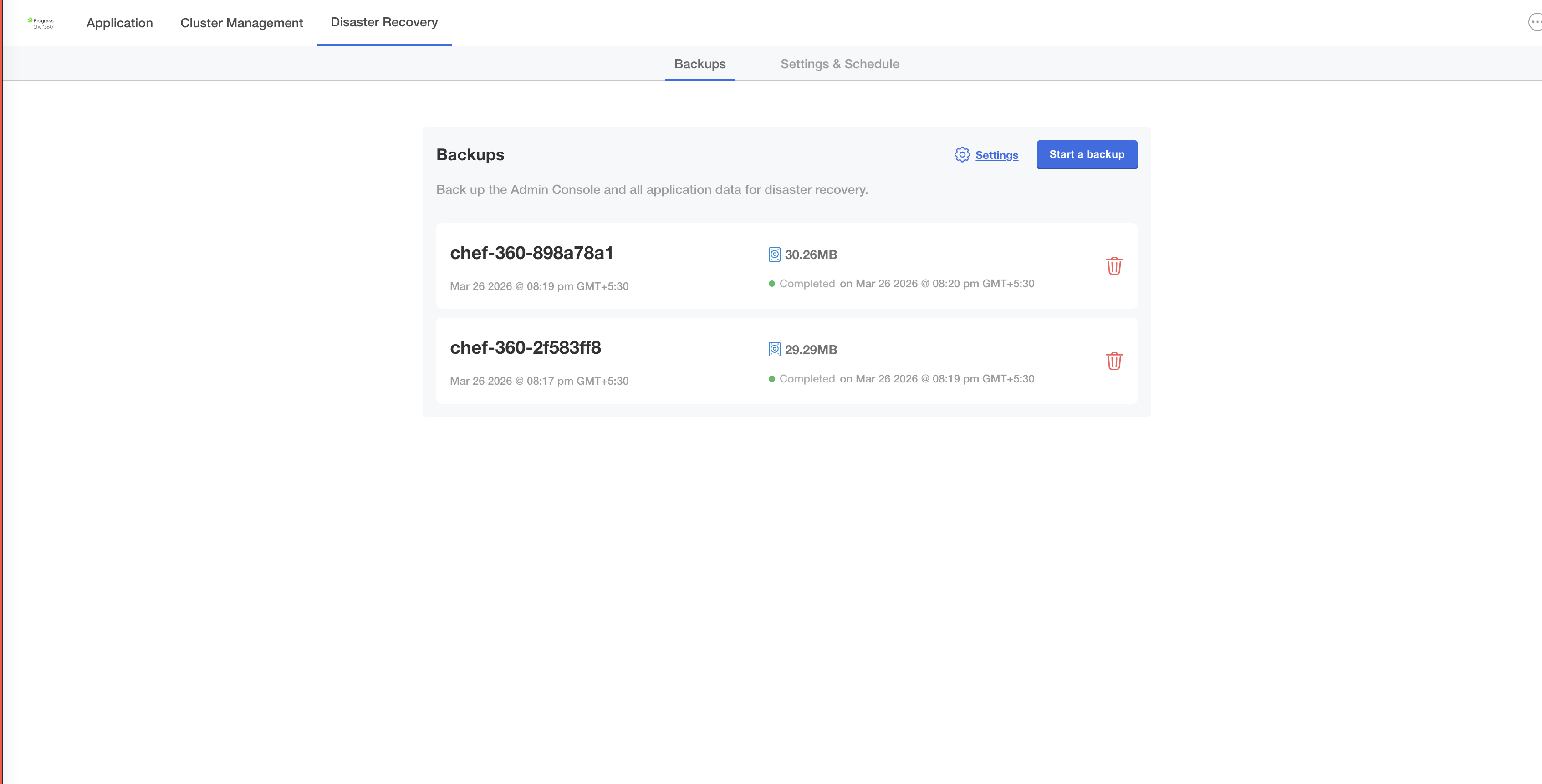
To verify a backup, check the following:
- Status: Shows
Completedwith a green indicator. - Size: Non-zero backup size, this is typically 25 MB or more for Chef 360 Platform.
- Timestamp: Recent completion time.
- Storage: Backup objects exist in your configured S3 bucket and prefix.