Overview of Chef Habitat Builder origins
An origin is a unique namespace in Chef Habitat Builder where you can store, share, and build packages. Once created, an origin can’t be renamed, but it can be deleted or transferred. For example, the core origin contains foundational packages managed and versioned by Chef Habitat maintainers.
You can join existing origins by invitation or create your own origins in an on-prem Habitat Builder deployment. For details about invitations, see origin membership and RBAC.
Chef-owned origins
Progress Chef maintains the following origins:
- core: Hosts packages for common dependencies and compilers maintained by Progress Chef.
- chef: Hosts packages for Chef products like Chef Infra Client, Chef InSpec, and Chef Automate.
- chef-platform: Hosts packages for Chef 360 Platform skills.
- habitat: Hosts packages required for an on-prem Habitat Builder deployment.
Origin creation locations
You can create origins in an on-prem Habitat Builder deployment. Chef’s public Habitat Builder doesn’t support creating new origins.
Create an origin
To create an origin in Chef Habitat Builder, follow these steps:
In Habitat Builder, select My Origins in the left navigation menu.
On the My Origins page, select Create origin to open the Create New Origin form.
Enter a unique name that you want to associate with your packages. Chef Habitat only allows you to create an origin with a unique name. Some examples you’ll see in Chef Habitat Builder are team names, user names, and abstract concepts.
Choose a privacy setting to use as the default for new packages. You can override this setting when uploading individual packages from the CLI or by using a plan file that declares a package as private.
The difference between public and private packages is:
- Anyone can find and use public packages.
- Only users with origin membership can find and use private packages.
Select Save and Continue.
Habitat Builder does the following:
- Creates your origin.
- Creates an origin key pair.
- Redirects Chef Habitat Builder to the origin page.
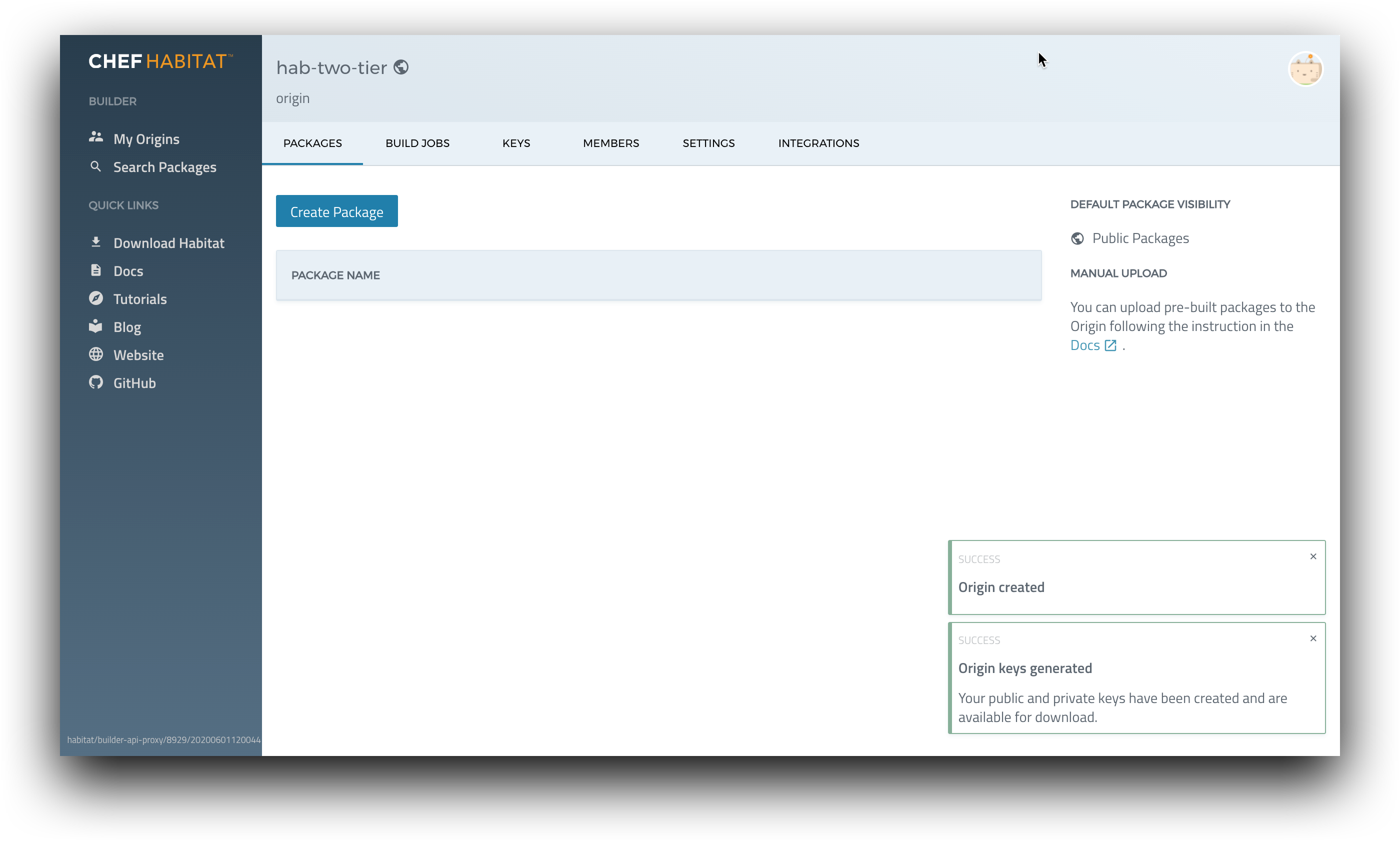
Create an origin with the Chef Habitat CLI
To create an origin with the hab CLI, use the hab origin create command. For example:
hab origin create <ORIGIN>Habitat creates an origin on the Chef Habitat Builder site.
To create a key pair for your origin, see the origin keys documentation.